

60-Second Summary
Discover how legal process automation transforms law firm document management from a slow, paper-bound bottleneck into a secure, streamlined operation by accelerating retrieval, strengthening compliance, and freeing staff for high-value work. Learn how automating intake, imaging, and archiving reduces errors and administrative burden while protecting sensitive data for a measurable return on investment.
Law firms handle documents every day. Manual record-keeping, storage, and information access are slow and add to the workload. Staff can spend hours looking for misplaced documents when they could be doing productive work.
Stacks of paper records and complicated systems increase the risk of noncompliance. Physical documents have a limited audit trail. Paper files are more prone to damage, theft, and data loss, which can damage the firm’s reputation and impact finances. All these factors make preparing for audits harder.
Slow manual workflows can weaken clients’ confidence in your services. Legal process automation uses scanning and digital archiving to manage data, providing centralized records that improve compliance checking and reduce response times.
How Automation Is Transforming Legal Services
Legal work requires speed without sacrificing accuracy. Automation offers both. Here is how:
- Digital intake tools gather the necessary details through easy-to-understand forms.
- Document assembly software uses templates to create contracts, wills, or court papers.
- Automated writing saves time, and standard wording keeps similar matters aligned with ease.
- Electronic signatures speed up document approval, sometimes without an office visit.
- Built-in checks highlight what is missing before reports get submitted.
- AI and machine learning organize large document sets more quickly than a person can.
- Analytical tools label clauses by topic, and predictive features identify what needs review.
- Compliance software flags missing or conflicting items for review so you can address issues early.
When to Automate Based on Clear Change Triggers
Workflow delays show that a firm is under pressure. If files sit for too long without action, you are losing billable time. Separate systems create risk if important case details are not shared. Here are clear signs you need an automated system.
Staff Cannot Keep up With Workload
Taking on more cases can push a law office beyond what its attorneys can handle. Hiring more staff does not always help, as new employees often need training or supervision. As more work comes in, more time is spent on paperwork instead of important legal tasks.
Junior staff or interns may take on the majority of paperwork, which can mean an increased risk of error. When cases are delayed, clients lose trust, and revenue slows.
Automated systems allow staff members to focus on the work that matters, while AI handles repetitive or menial tasks. Defined processes and consistent outcomes help you provide better service quality.
Security and Compliance Risks Are Rising
Official inspections are a part of daily life in a law firm. Many courts expect documented control over every digital record. Manually recorded, reported, or checked documents may not stand up in court due to the potential for error.
Informal decisions about data disposal create risk. Damaged or deleted records may carry financial penalties if they conflict with mandates or privacy statutes.
Shared folders introduce another risk. Weak access controls can expose private or sensitive case data to misuse or loss. Automation closes these gaps and improves data safety.
You Are Performing Repetitive and Time-Intensive Work
Repetitive administrative tasks reduce billable hours. Data re-entry across many documents wastes time, but automated intake forms solve this issue. Data is entered once, and the system populates contracts and other paperwork without error.
Template logic adjusts language based on the case facts. Conditional fields ensure correct phrasing, reducing drafting errors.
Batch processing applies file naming, watermarking, and PDF conversion to grouped documents. For high-volume tasks, this approach can save hours of repetitive work.
You Are Falling Behind in Discovery and Response
Discovery now involves more documents than it used to. Associates have to review long email chains and large attachment sets under strict deadlines. Manual review over many hours increases fatigue, raising the chance of overlooking key evidence.
Courts set short deadlines, and litigation teams must read through and sort thousands of files within that window. Opposing counsel may produce disorganized data, adding to the review burden.
When multiple reviewers tag documents by hand, labels can conflict, creating confusion. Time spent renaming files and adding Bates numbers reduces time for legal analysis.
Automated systems can sort, tag, and organize files in a fraction of the time, accelerating the process while maintaining accuracy.
The Benefits of Automation for Law Firms
Legal process automation changes how daily work happens. Centralized workflows keep data safe and accessible, speeding up access. Administrative upkeep diminishes, allowing staff to focus on high-value strategy and client work. Other benefits include:
- Scalable operations: Manage higher matter volume without straining the budget.
- Standardized excellence: Apply uniform drafting standards across filings and contracts through structured templates.
- Reduced burnout: Relieve staff from repetitive data entry and filing tasks.
- Faster turnaround time: Shorten document preparation cycles to meet client expectations.
- Granular access control: Limit document visibility to specific team members for stronger compliance.
- Encrypted exchanges: Transfer sensitive files through encrypted links instead of email attachments.
- Single-entry data: Capture intake information once and reuse it across other documents.
- Instant retrieval: Locate clauses or correspondence across archived matters within seconds.
- Centralized case history: Maintain a complete searchable record for each matter.
- Simplified auditing: Produce detailed file history reports for ethical and regulatory review.
The Types of Law Firm Automation Systems
Law firms rely on systems to control document flow from intake to storage. Imaging platforms convert paper records into searchable digital files. Archiving systems apply retention rules and manage closed case materials. Digital intake solutions capture inbound messages and assign them to the correct matter. Together, these systems keep information structured and accessible.
Document Imaging
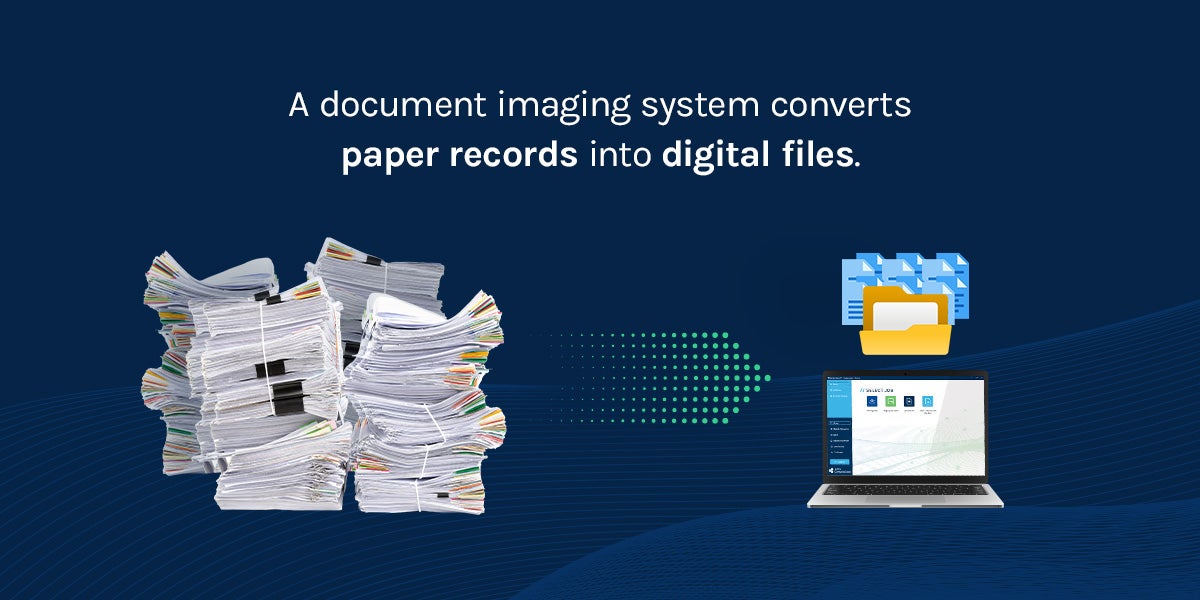
A document imaging system converts paper records into digital files. Legal process automation routes the files into active case workflows. Staff can retrieve case materials in seconds with searchable metadata.
- Digital conversion: Convert paper evidence into indexed digital records.
- Workflow routing: Route scanned files into predefined case workflows.
- Resolution control: Apply consistent resolution standards across all scanned pages.
- Metadata capture: Record structured metadata to support audit review and future document retrieval.
Imaging technology helps maintain clarity across departments and case types. Access logs and file histories help teams complete reviews faster because there is no need for manual handoffs.
Archive Scanning
An archive scanning service converts closed case files into digital records. Law firms reduce on-site storage demands and control long-term retention costs. Digitized archives protect historical materials while offering faster internal access.
The archive scanning process delivers benefits such as:
- Legacy conversion: Convert legacy case files into indexed digital records.
- Image quality: Capture high-resolution images suitable for court production and formal submission.
- File standards: Apply consistent file naming conventions across all matters, active and closed.
- Centralized archiving: Store records in a searchable archive for easy retrieval and compliance.
Attorneys can complete conflict reviews faster because files connect to prior matters. Research teams access precedent materials without needing physical storage retrieval.
Mail Management
Law firms receive daily communication about active matters and court deadlines. A digital mailroom captures physical documents upon arrival and then converts them into digital records. Instead of sitting in paper stacks, each one enters a tracked workflow.
The system routes digital mail to the appropriate attorney or case team based on defined criteria. Direct routing shortens response timelines and limits the risk of misplaced items.
Your Foundation for a Digital-First Future
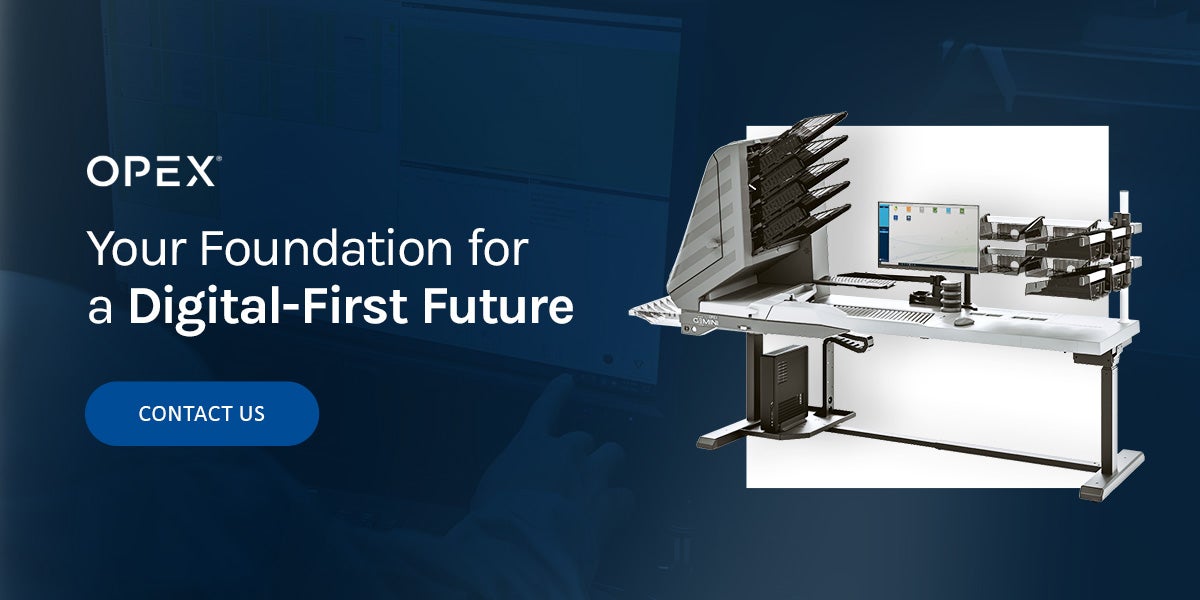
Law firms cannot meet rising client expectations with outdated or disconnected systems. Manual intake wastes time and risks noncompliance. OPEX® delivers high-volume Falcon+® scanners with CertainScan® software. Together, they create automated digital capture workflows across paper and email intake.
Contact OPEX today to turn your physical data into validated, trackable files that protect sensitive information and streamline your processes.
Other Resources You Might Find Helpful
Reducing Redundancy: Using Scanning to End Duplicate Data Entry
Husch Blackwell Streamlines the Digital Archiving Process, Reducing Time Needed to Prep and Scan Documents by 50%
Automate, Integrate, Accelerate: Seamless Workflows Start with Smart Scanning
From Paper to Insights: Extracting Actionable Data with Intelligent Scanning
San Bernadino County Falcon+ Video
EXL: Critical Efficiency Improvements in Document Management
The Benefits of Milling Cutting Technology
NHS Business Services Authority: Rapidly Expanding Patient List Drives Opportunity to Digitize Medical Records
Swiss Post Solutions Delivers Innovation and Automation to Clients Leveraging The OPEX Falcon+® RED™
Powering Data-Driven Decision Making: Transforming Scanned Data into Actionable Insight
NEXT LEVEL AUTOMATION
Unlock Operational Efficiency with OPEX
OPEX is powering the future of automation. Contact us to learn more about how our vertically integrated automated solutions can help take your business to new heights.