OPEX logo

Backfile, Unblocked

Stop paying to handle paper multiple times.

Digitizing decades of records looks like a scanner purchase, but most of the money goes to labor: sorting, unstapling, inserting separator sheets, restacking, and then scanning. OPEX® archive scanning solutions take the extra touches out of backfile conversion, whether you rethink your capture process or keep the one you have.

Free 30-minute working session with an OPEX scanning specialist. No obligation.

The Real Blocker

Prep is where backfile projects go to stall

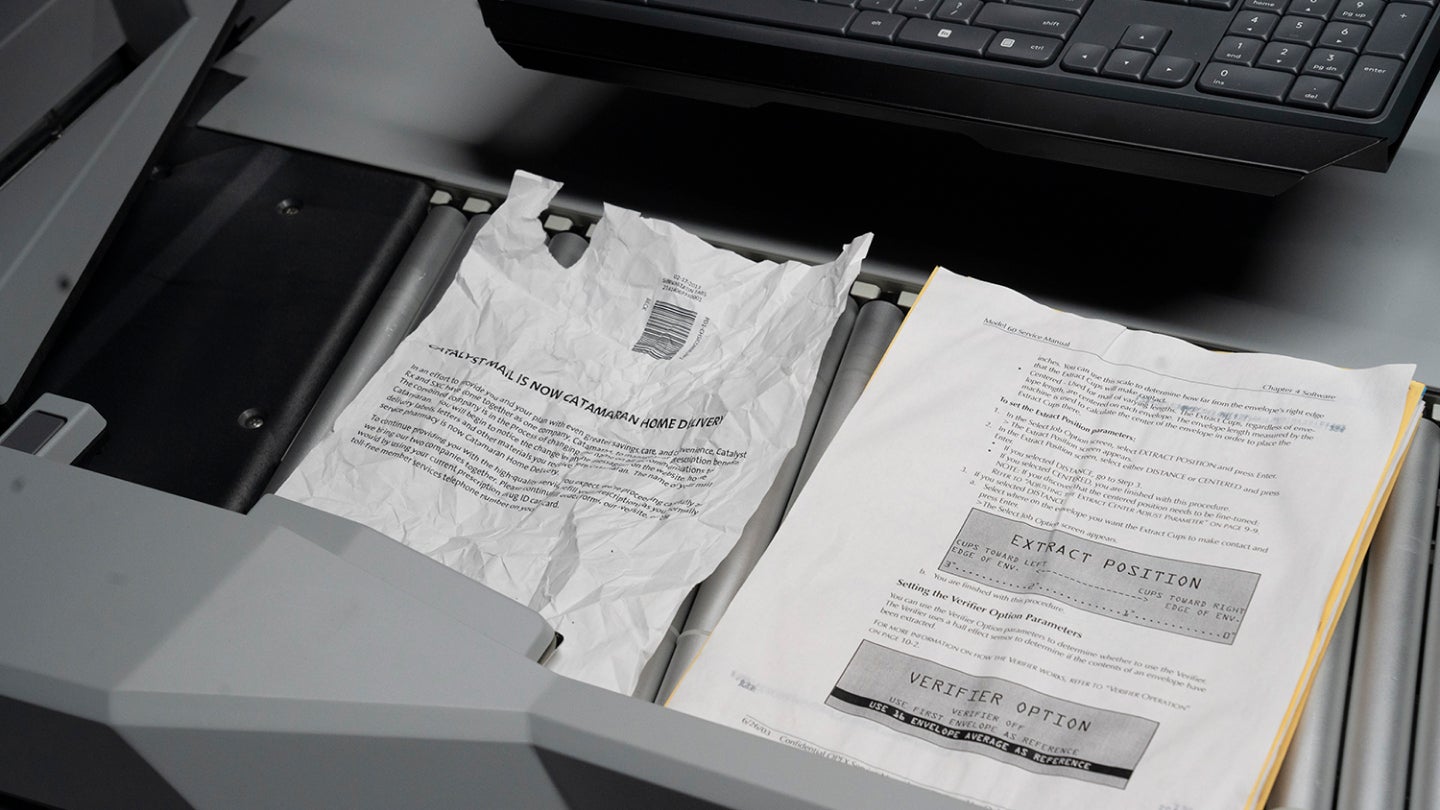
Every document in your archive gets touched before it ever reaches a scanner. Staff pull staples, sort by type, tape down receipts, and insert separator sheets to mark where one file ends and the next begins. Each touch is labor you pay for.

Separator sheets are the quiet double charge. You pay someone to put more paper into the job, and then you pay again to scan and store the pages you just added.

Price per image hides all of this. Count how many times a person touches each document instead, because that number drives what a backfile project really costs.

Up to 5×

How many times documents were handled before scanning at Guarantee Trust Life, prior to moving to OPEX One-Touch scanning. Afterward, prep labor costs fell 65%.

Guarantee Trust Life

Choose Your Approach

Two ways to unblock your backfile

Some teams are ready to change how capture happens and mitigate prep at the source. Others have a capture and content management stack that works, and they want better hardware feeding it. OPEX builds for both.

Path A · Rethink capture
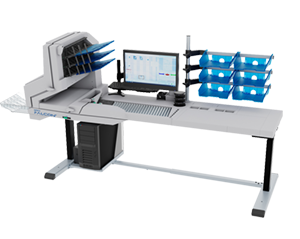
Automated document sorting machine with a monitor, keyboard, paper trays, and a computer tower on a desk; part of the OPEX® Falcon+® high-volume production scanner series.

Mitigate prep with One-Touch scanning

Falcon+® and Gemini® scanners with CertainScan® software let operators open a file and scan it in the same motion. Imaging, classification, and sorting happen in a single pass, so most prep work never has to happen.

  • Documents are handled once, with virtually no prep work

  • CertainScan inserts virtual separators and captures metadata, replacing paper separator sheets

  • Gemini Right-Speed™ technology adjusts speed to the job, up to 245 pages per minute, from fragile originals to uniform batches

  • Real-time quality control at the point of scan, not after

65% lower prep labor costsGuarantee Trust Life, after moving to OPEX One-Touch scanning
Price My Prep Savings

Path B · Keep your stack

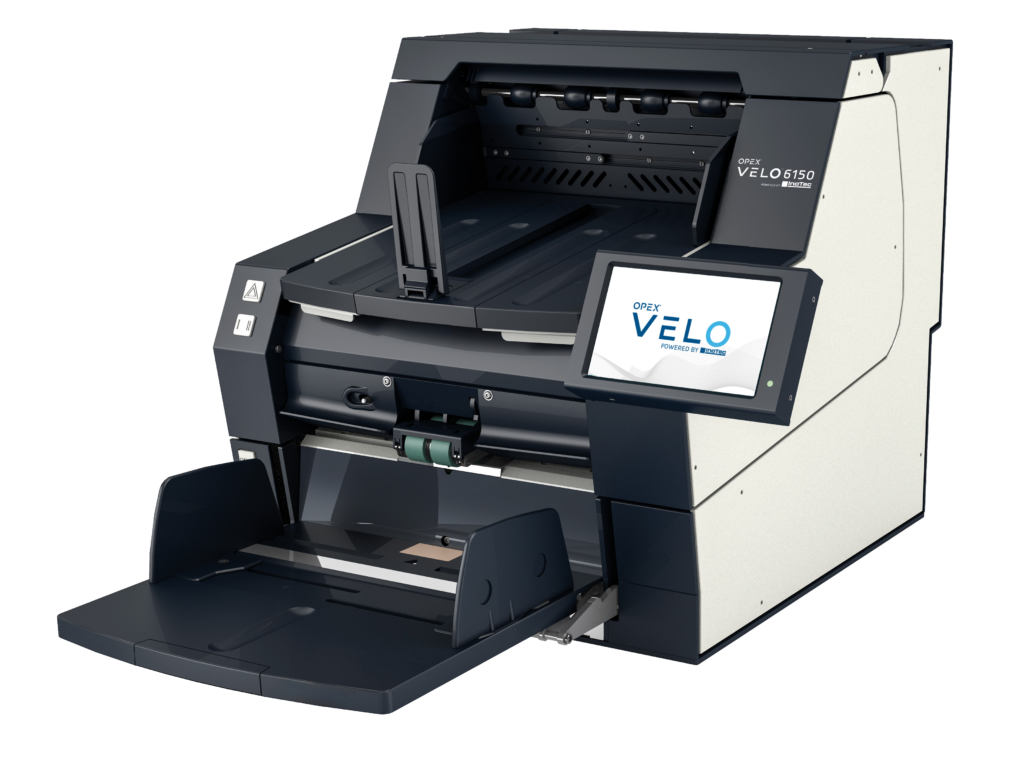
OPEX VELO 6150 machine with open tray and touchscreen.

Keep the workflow you already run

Velo™ scanners, powered by InoTec®, connect through TWAIN and ISIS drivers to virtually any ECM, IDP, or archival system. Your capture software, batch classes, and delivery process stay exactly as they are. The hardware underneath them gets faster and gentler.

  • Desktop production-class scanning at 120 to 250 pages per minute, or the Velo 8000 Series for 24/7 multi-shift operation

  • Gentle belt transport and straight-through paper path protect fragile, aging originals

  • Archive-grade imaging with optional FADGI and ISO 19264-1 factory calibration

  • Unlimited duty cycle for daily production volumes

Drop-in integrationTWAIN/ISIS compatibility simplifies validation and secure delivery to the systems you already trust

Scope My Drop-In Upgrade

Loading form…

Teams that stopped paying for extra touches

65%

reduction in document prep labor costs

Guarantee Trust Life

33%

faster scanning, about 250 documents per hour

An Post

the productivity and efficiency of legacy scanners

Scan2Archive

35%

less time needed to complete a day’s work

EXL

“We digitize everything. We have the widest capability to scan in Australia.”
Simon Harris Managing Director, Scan2Archive

Built for Records That Have Rules

Compliance-ready from the first image

FADGI 3-Star capable

Falcon+ scanners meet FADGI 3-Star and Modern Textual Records standards, and Velo systems offer optional FADGI and ISO 19264-1 factory calibration for archive-grade image quality.

Audit trails built in

Recorded operator interactions and document access history give records managers the chain of custody that auditors, courts, and retention schedules expect.

Ready for what comes after paper

Clean, consistent, indexed images feed ECM, IDP, and AI initiatives. Digitized records become searchable data instead of shelf space.

Free Prep-Cost Assessment

Find out what every extra touch is costing you

In one 30-minute working session, an OPEX scanning specialist will map how paper moves through your operation today and put numbers on it.

  • An estimate of your fully loaded prep labor cost per thousand images, including separator-sheet overhead
  • A side-by-side view of what One-Touch scanning and a drop-in Velo deployment would each change
  • A throughput model based on your document types, volumes, and condition
  • A clear recommendation, even if it is that your current setup is the right one

OPEX has spent 50 years as a family-owned automation company, and we treat every engagement as the start of a long partnership. The assessment is free either way.

Book your assessment

We use this information to prepare your assessment and will never sell it. See the OPEX privacy policy.

Common Questions

Backfile conversion questions, answered plainly

What drives the cost of a backfile conversion project?

Labor, more than equipment. Before a page is scanned, someone sorts it, removes staples, repairs tears, and inserts separator sheets, and each of those touches costs money. Separator sheets also add pages you then pay to scan and store. Per-image price quotes hide this, which is why we assess cost by counting how many times a person handles each document.

Should we scan in-house or outsource to a scanning service?

Both can work. In-house makes sense when volume is ongoing, records are sensitive enough that chain of custody matters, or you already have staff who can run capture. Outsourcing fits one-time projects with a hard deadline and no appetite for equipment. OPEX equips both sides: in-house teams buy our scanners, and many service bureaus and BPOs run them too, so the same assessment works whichever direction you lean.

Will OPEX scanners work with our existing capture or ECM software?

Yes, on either path. Velo scanners connect through TWAIN and ISIS drivers to virtually any ECM, IDP, or archival system, so your current software and process stay as they are. Falcon+ and Gemini scanners run CertainScan software, which captures, classifies, and delivers images and metadata to your downstream systems.

Can the scanners handle fragile or aging documents?

They are built for them. Velo systems use gentle belt transport, adjustable input pressure, slowdown modes, and a straight-through paper path for long, thick, or delicate originals. Gemini adjusts its speed to the job with Right-Speed technology, so delicate items move at a pace that protects them while uniform batches run at full rate, up to 245 pages per minute.

Do OPEX scanners meet FADGI image quality requirements?

Falcon+ scanners meet FADGI 3-Star and Modern Textual Records standards, and Velo systems offer optional FADGI and ISO 19264-1 factory calibration. If your records are bound for a federal repository or you follow FADGI as an internal quality bar, the assessment covers which configuration applies.

See what your backfile is really costing

Book a free 30-minute prep-cost assessment and an OPEX specialist will put numbers on how paper moves through your operation today. Prefer a quick conversation? Reach out and we’ll point you in the right direction.

Get My Prep-Cost Assessment

Speak With An Expert

Loading form…