


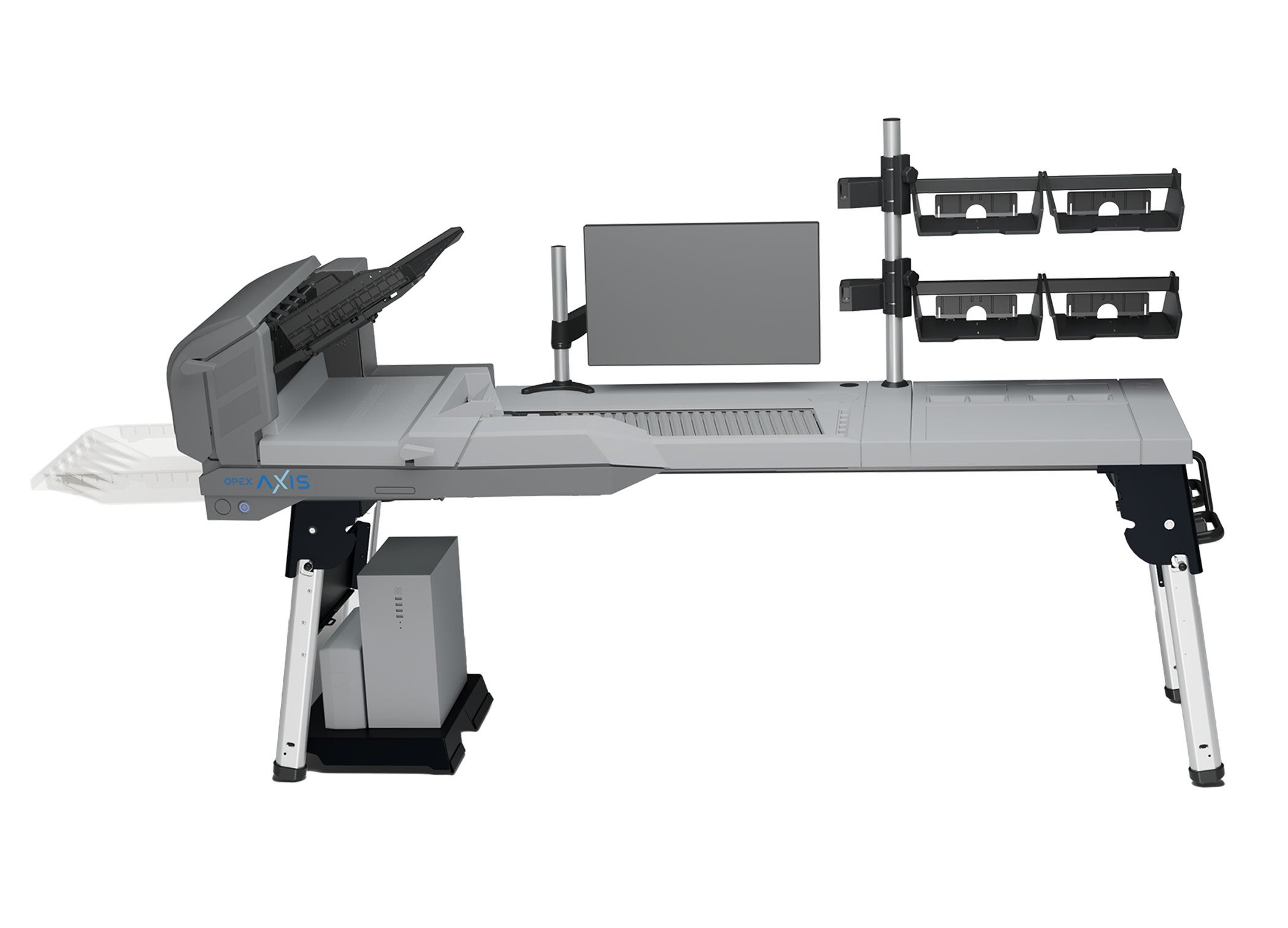
Axis · Fixed Workstation
Handle documents once
The fixed workstation sets Axis up as a dedicated scanning workstation. Pull the staples, place the pages on the feeder, and scan, with no batching, justifying, sorting, or separator sheets.
Warehouse Automation
Document & Mail Automation
Automated Storage & Retrieval Systems
Automated Sorting Systems
Document Imaging & Scanning
Mail & Parcel Sorting
Mail Opening
Remittance Processing
One bin. One-Touch.
Axis™ is a One-Touch production scanner from OPEX, built on a single-bin design. Operators place mixed documents on the feeder, and Axis handles orientation and scanning without pre-batching. Axis is available in a fixed or mobile model (Axis-M).
Axis combines prep and scan into one step. With the broadest media handling in its class, it mitigates the prep work that slows traditional capture, so documents that arrive mixed, damaged, or thick can go straight to the scanner.
A single-bin production document scanner
One Platform, Two Models
Axis ships in two models built on the same One-Touch platform. Pick the fixed workstation when the work doesn’t move, or the mobile version for project work, remote sites, and flexible capacity.
Axis · Fixed Workstation
The fixed workstation sets Axis up as a dedicated scanning workstation. Pull the staples, place the pages on the feeder, and scan, with no batching, justifying, sorting, or separator sheets.
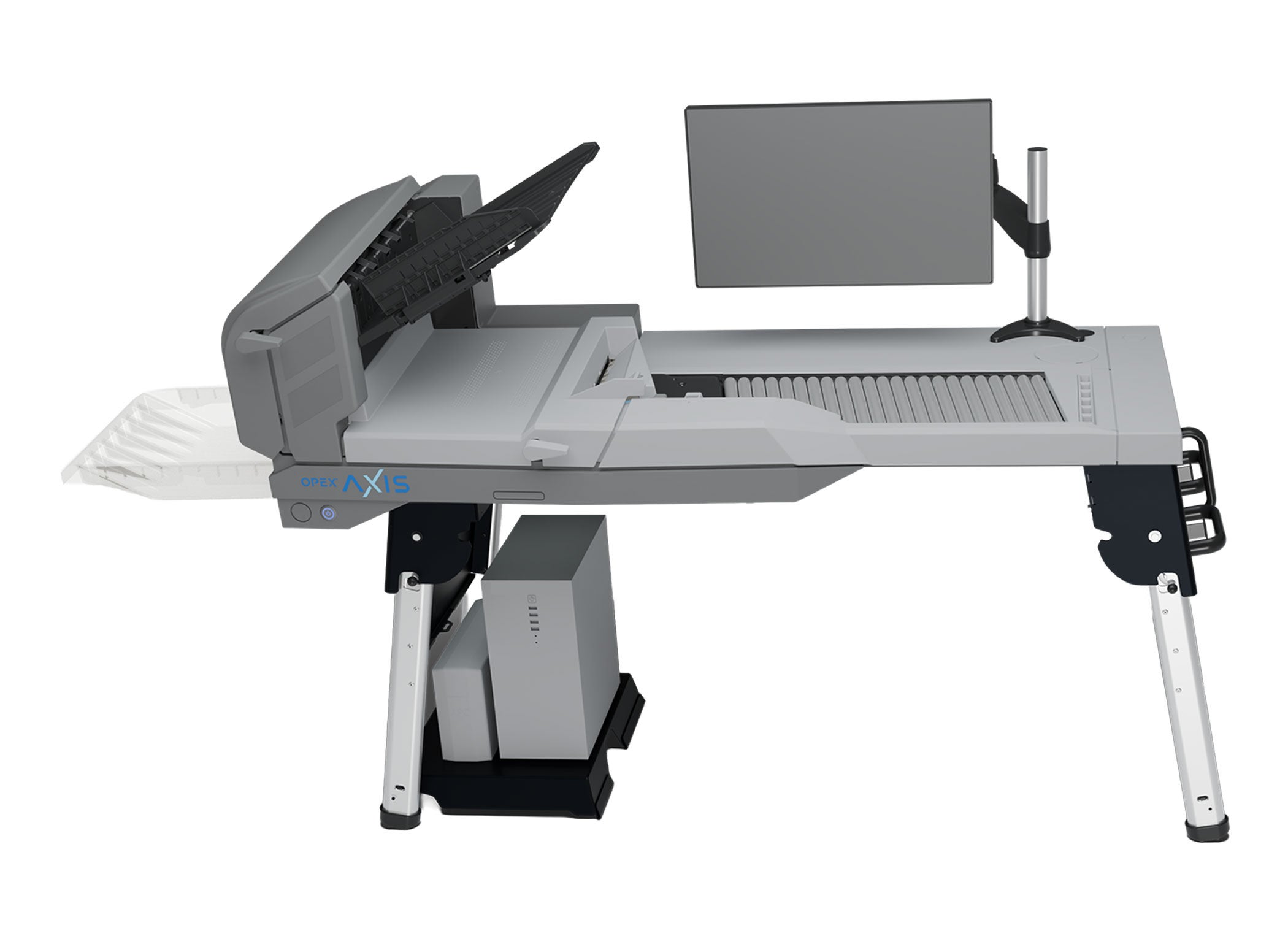
Axis-M · Mobile, built to move
The Axis-M takes One-Touch capture to sites and projects, wherever the work is. Its space-saving, foldable frame and compact support structure are designed to move with the operator, so one scanner can cover several work areas instead of staying fixed in one place.
Why Now?
Most document scanners are designed around a separate prep step: removing staples, repairing damaged documents, mounting carrier sheets, adding separator sheets, stacking and aligning each batch, then repeating it all for the next stack. That prep exists because less capable scanning hardware can’t handle mixed documents on its own, so the work shifts to the operator. Every extra touch adds labor and time before a single image is captured.
The old process
The Axis approach
Pull the staples, place the pages on the feeder, and scan. Axis takes care of the handling that used to happen at the prep table:
Designed on the OPEX One-Touch process, the same workflow that powers our Falcon+ and Gemini scanner lines.
OPEX Axis Production Scanner
Together, these components combine prep and scan into a single-bin workflow, with virtually none of the sorting and exception handling that traditional scanners require.
Station 01 / 06
Axis features a continuous document-feeding system that supports both stack feed and drop feed processing, enabling efficient capture of mixed document sets with minimal operator interruption.
Station 02 / 06
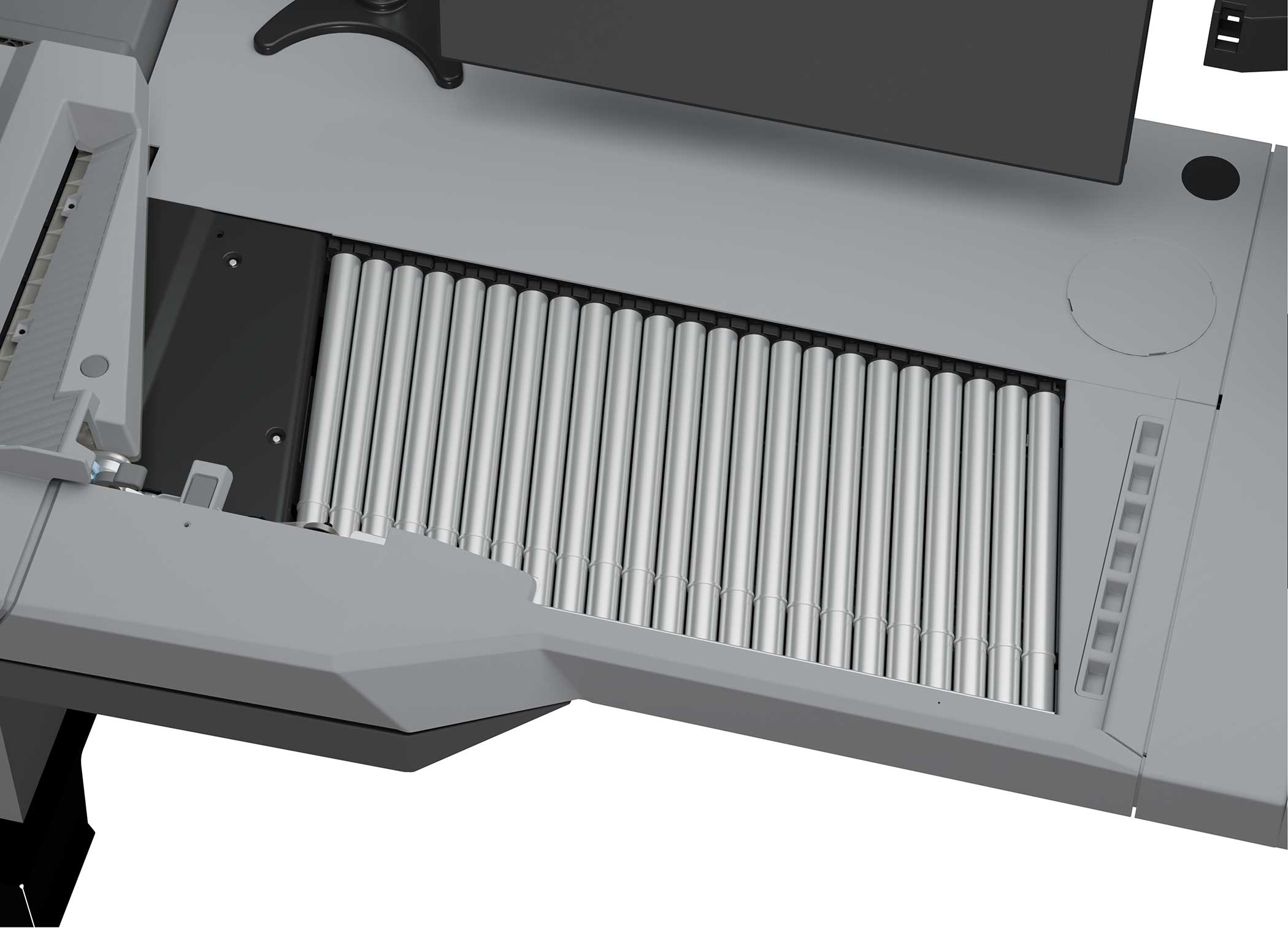
Axis supports a wide range of document sizes, weights, and thicknesses through its standard output bin and straight-through path to enable consistent handling of mixed media types.
Station 03 / 06
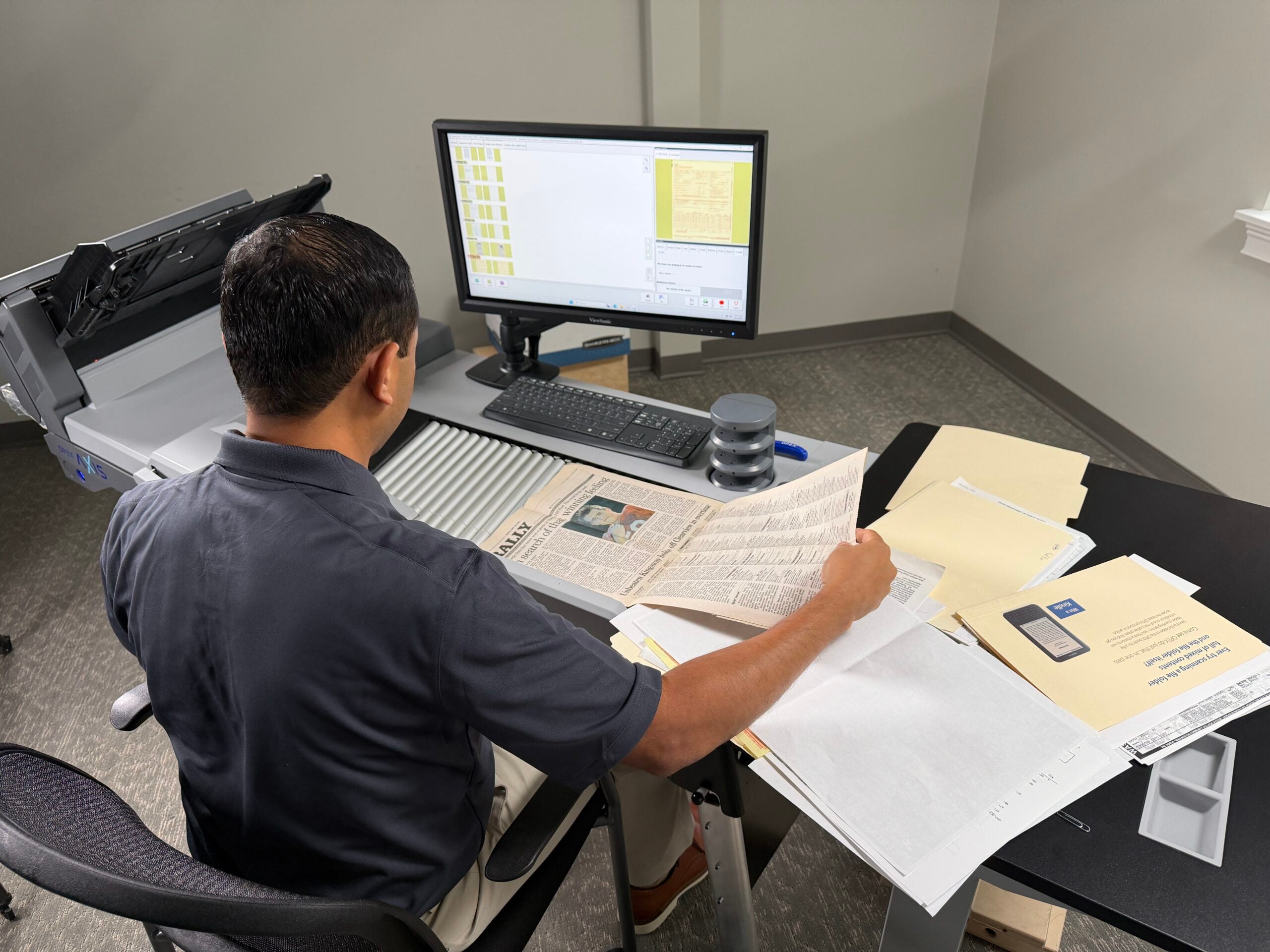
During stack feed scanning, the rescan feeder lets operators reprocess individual documents without interrupting the overall workflow. Documents placed in the rescan feeder are automatically reinserted into the correct position within the batch, maintaining document order and consistency.
Station 04 / 06
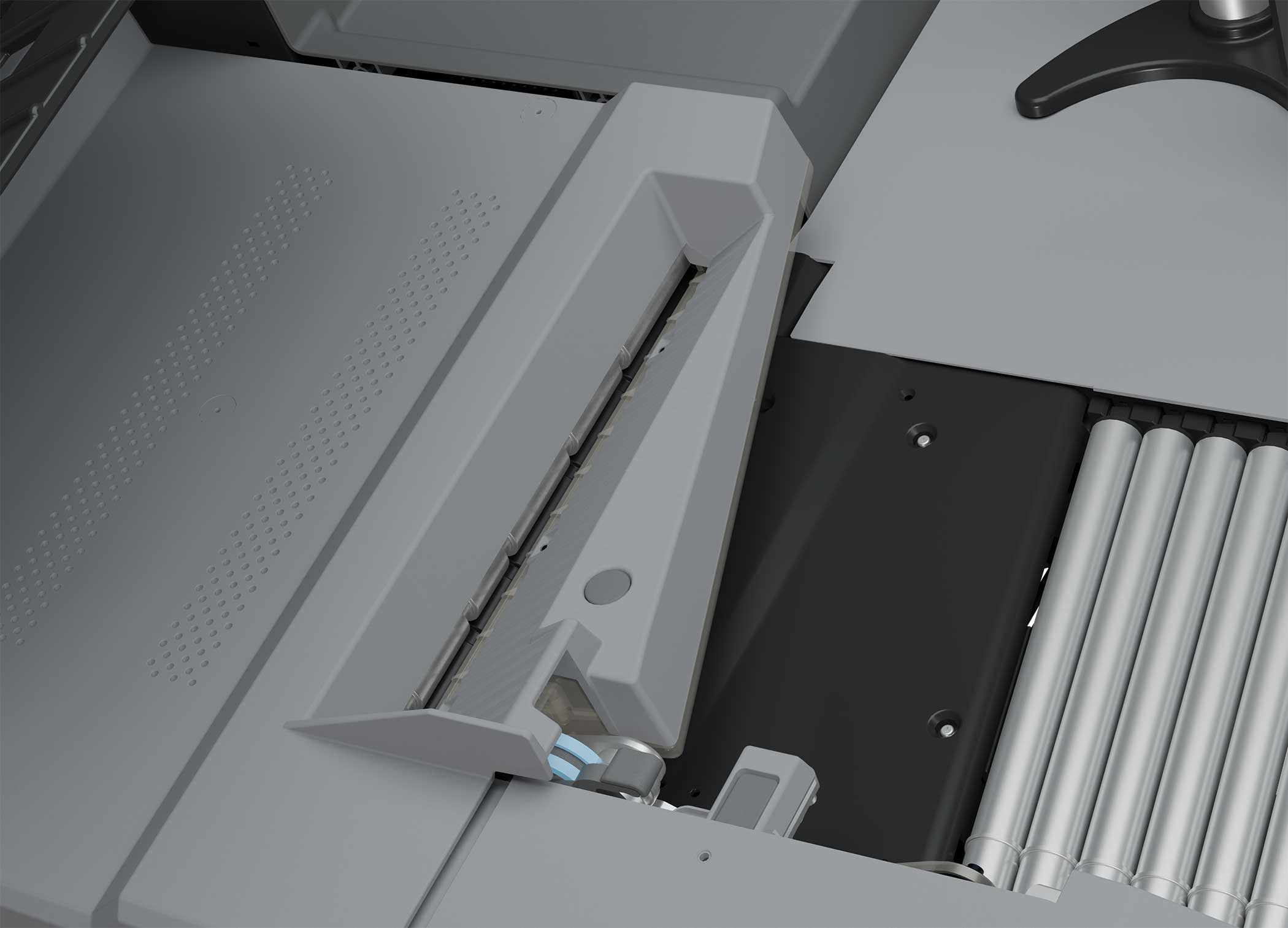
Axis uses an array of ultrasonic sensors to detect multi-feed conditions during scanning, including double-fed documents, folded corners, and attached sticky notes.
Station 05 / 06
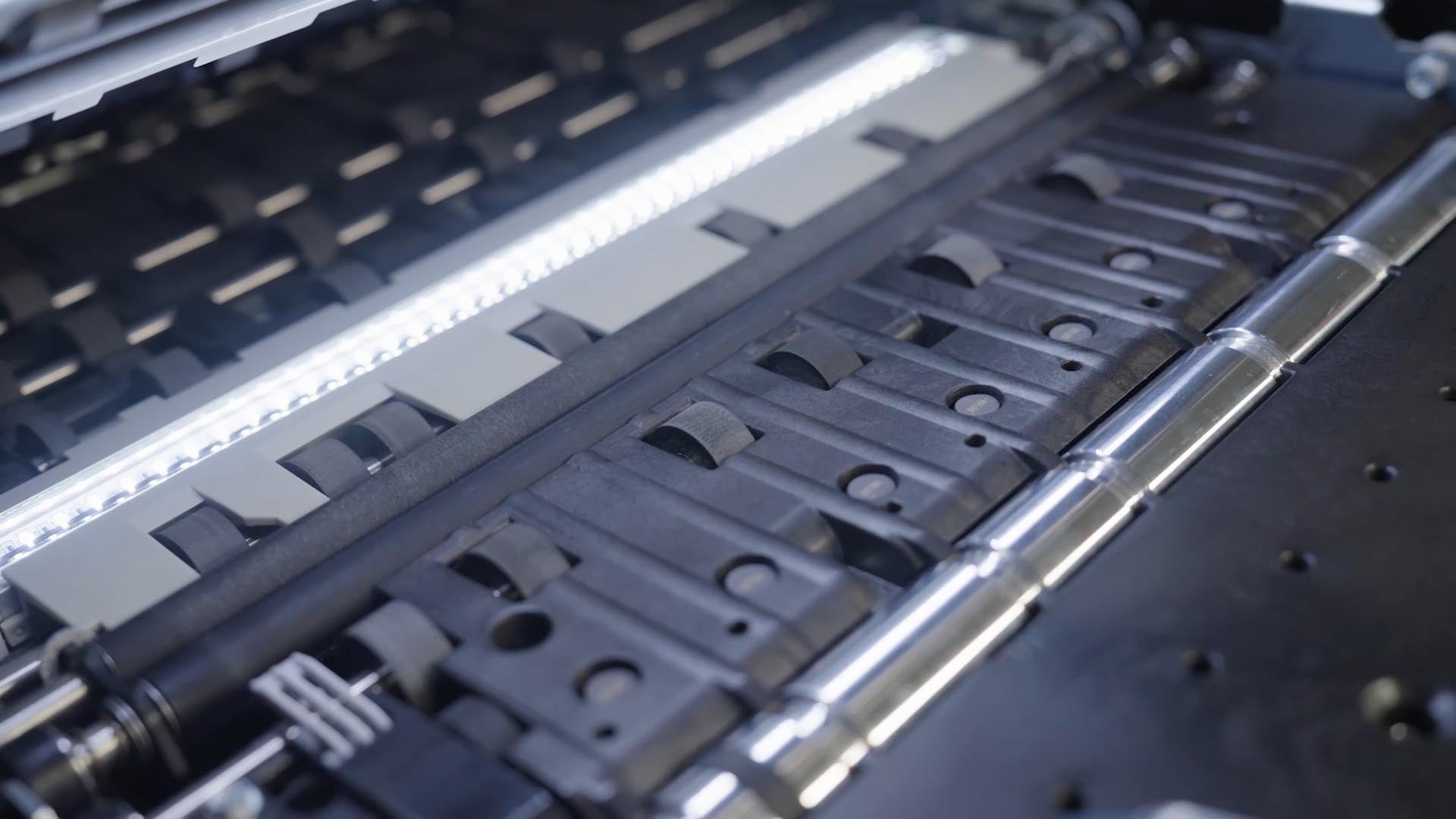
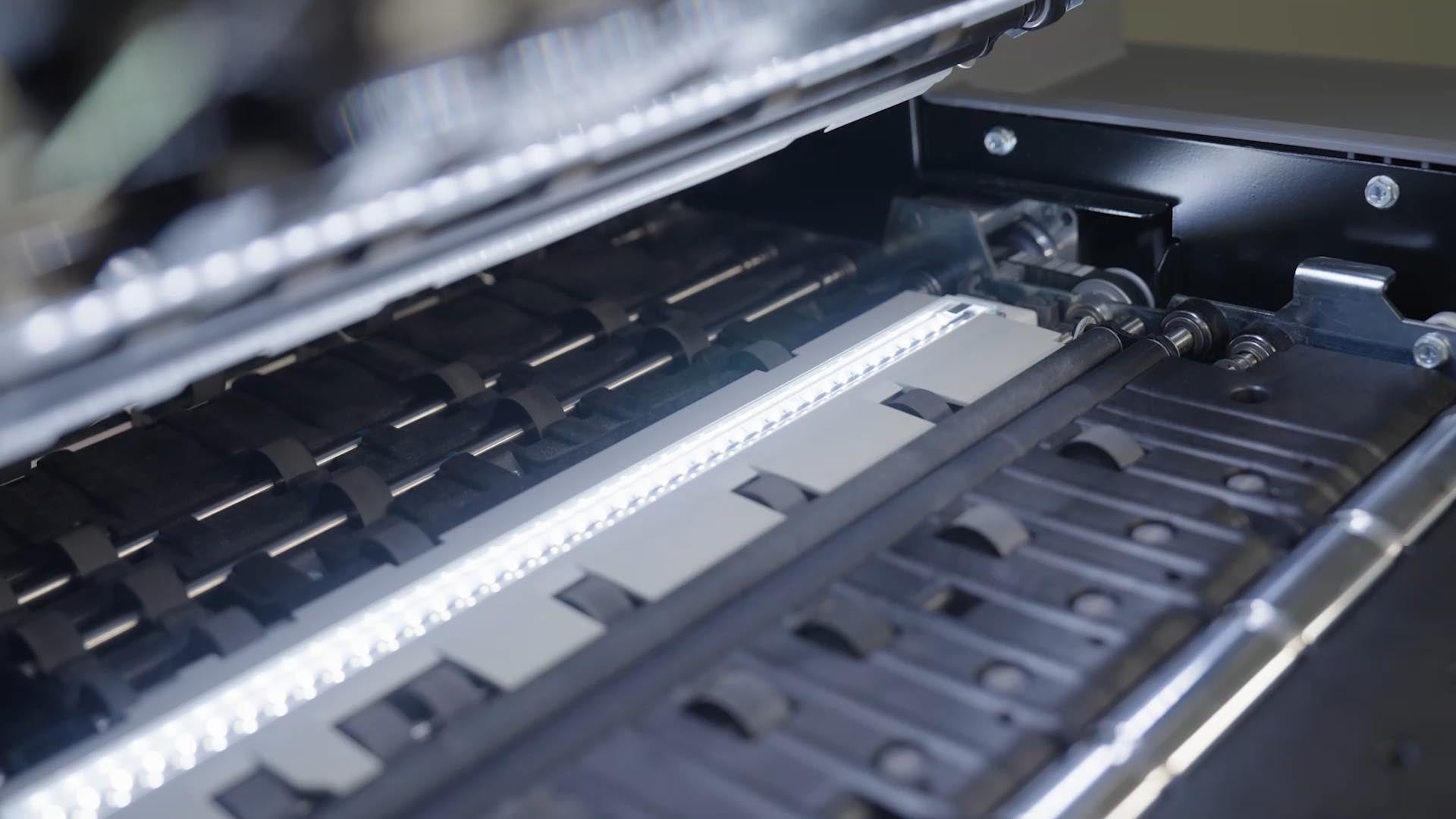
Axis utilizes dual CIS imagers to capture high-resolution images of both sides of a document in a single pass, with dual illumination that produces clear, consistent images across a wide range of document types.
Station 06 / 06
Axis includes a 22″ touchscreen display with an integrated monitor arm, providing a consistent operator interface across all workstation configurations.
Why Axis
Here’s what it’s designed to do and how that changes document capture.
Streamlined
Axis brings OPEX’s One-Touch scanning process to a focused, single-bin platform, minimizing prep, sorting, and rework so documents are handled once.
Adaptable
Axis handles the broadest range of media of any scanner in its class. Mixed sizes, weights, and conditions, including damaged or thicker materials feed with minimal preparation.
Focused
Axis is productive from day one. Anyone can run it after minimal training. Its deployment is the lightest in the OPEX portfolio, and the Axis-M mobile model lets capture go wherever the work is.
Open
Axis integrates on your terms: use CertainScan® or keep the capture application you already own via industry-standard TWAIN connectivity*, all running on customer-supplied PC hardware.
* TWAIN driver available 2027.
Compare
Most production scanners in this class use multi-bin sortation, batching, and separator sheets. Here’s how the single-bin Axis approach differs.
| Capability | Axis | Traditional multi-bin production scanner |
|---|---|---|
| Document prep required | Pull staples only | Pre-sort, batch by type, add separator sheets |
| Mixed sizes & weights per batch | Handles as-is | Requires pre-sort |
| Thicker media handling | Broadest in class | Often requires a second scanner |
| Operator training | Minimal — any staff member | Specialist typically required |
| Rescan without interrupting batch | Dedicated rescan feeder | Interrupts and re-batches |
| Paper path | Straight-through, no diverters | Multiple diverters, more failure points |
| Software required | Optional (TWAIN* or CertainScan) | Vendor software typically required |
| Mobile model | Axis-M, foldable and built to move | —Not offered |
Where Axis Fits
Here are the workflows we built Axis around. If yours looks like one of these, book a live demo.
Legal / Litigation Support
Discovery batches show up mixed and unsorted: stapled affidavits, photos, receipts, thin carbon copies, folded exhibits. Axis handles the mix without a paralegal spending a day pre-sorting.
Healthcare Records Conversion
Axis-M brings capture into the chart room instead of pulling boxes to a central scan center.
County / State Government
Records staff drop a request-sized batch, scan, and post to the public-records response queue in one motion. No batch pre-sort, no separator sheets, no specialist required.
BPO / Service Bureau
New client engagements often bring unpredictable document mixes. Because Axis handles mixed sizes, weights, and conditions with minimal prep, you can start onboarding before you’ve mapped every client document type.
Enterprise Field Operations
Axis-M is designed to be moved by operators between work areas and sites. Regional operations can share one scanner across locations rather than deploying a fixed unit at each.
Existing OPEX customer
Axis integrates with the capture application already in use via TWAIN*, and pairs naturally with CertainScan for classification and extraction. Change the input, not the process.
“We didn’t want to build just another production scanner. We wanted to build what the market was asking for… an easy to stand up scanner that capitalizes on the One-Touch process and combines prep and scan into one easy step. Axis is the smallest platform in the OPEX portfolio that runs the One-Touch process.”
Integration & Standards
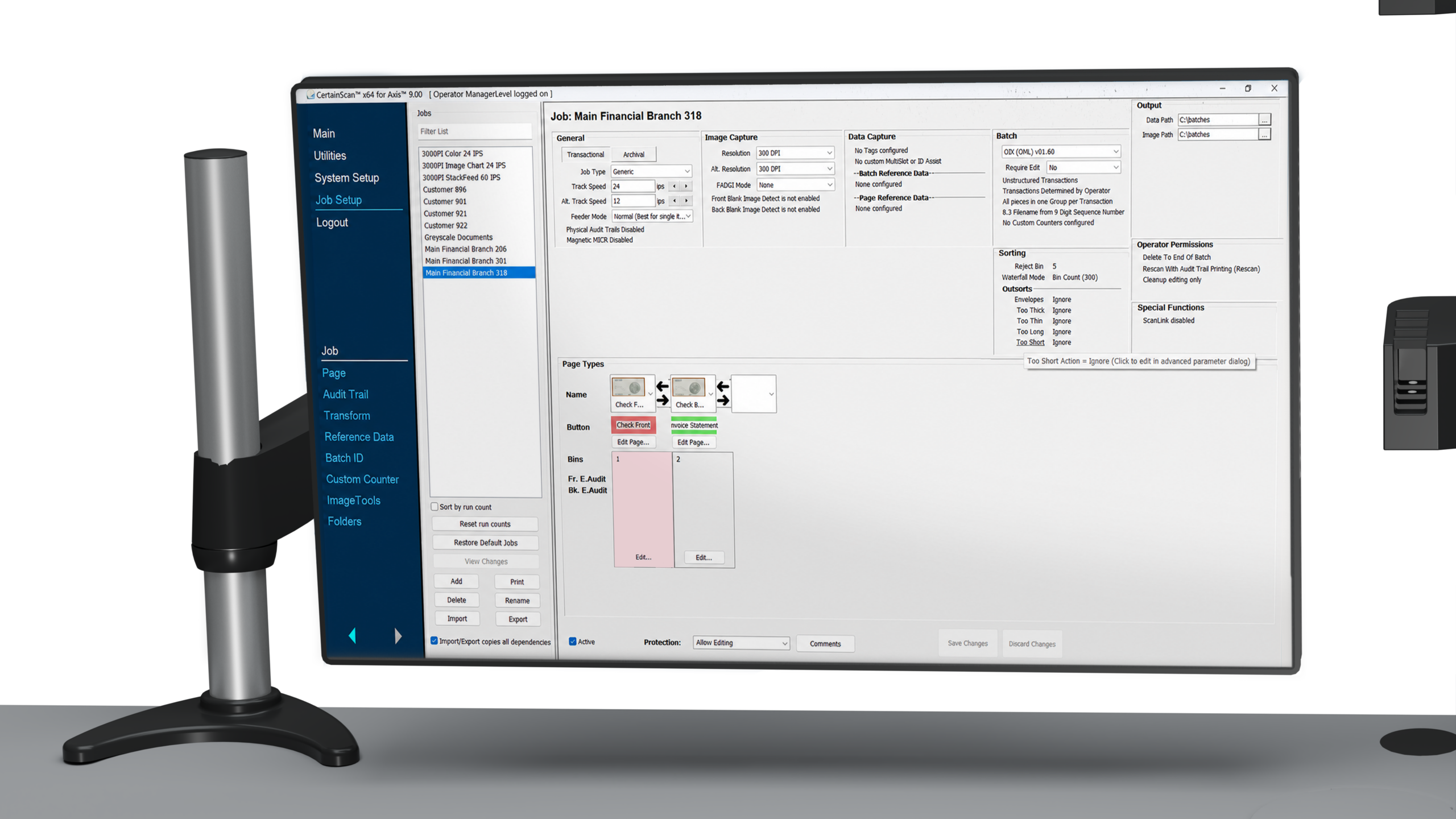
Axis runs on your PC hardware, integrates via TWAIN*, and pairs with CertainScan® 9 when you want advanced classification and extraction.
Software
Axis fits the software and hardware you already run.
Common Questions About Axis
Axis is a One-Touch production scanner from OPEX, built on a focused single-bin design. Operators pull staples and drop mixed documents into one input, no batching squaring, sorting or separator sheets. Axis is part of the OPEX One-Touch platform (alongside Falcon+® and Gemini®) and comes in standard, mobile (Axis-M), And drop-feed-only configurations.
Traditional production scanners use multi-bin sortation, requiring operators to pre-sort documents by size, weight, or type and add separator sheets between batches. Axis eliminates those steps. Operators pull staples, drop mixed documents into a single input bin, and the scanner handles the rest.
Axis handles the broadest range of media in its class, such as, mixed sizes, weights, and thicker materials that typically require a second scanner. A conditioning roller flattens documents before the imaging zone; ultrasonic multi-feed detection catches overlapping pages.
Yes. Axis integrates via industry-standard TWAIN* connectivity, so it works with any TWAIN*-compliant capture application. If you’d like advanced classification and data extraction, Axis also pairs with OPEX CertainScan® 9. Axis runs on customer-supplied PC hardware or a PC bundled from OPEX.
Axis is a fixed-installation single-bin production scanner. Axis-M is the mobile configuration, a space-saving foldable design with a compact support structure and a removable dolly. Axis-M is designed for project work, multi-site programs, and remote or on-premises capture where equipment needs to move. Both types run the same One-Touch process.
OPEX is running a Design Partner Program for the first Axis customers. Design partners get direct engineering access, priority manufacturing slots and pricing, input on the near-term roadmap, and optional case study collaboration. Apply through the form on this page.
Go Deeper
Sell Sheet
PDF · 4 pages
Video
2 min
Product Page
Related product
Product Page
Same platform, more speed
Next Level Automation
Book a live demo at an OPEX facility or via video conference. Our team will walk through the One-Touch workflow with your document mix.
